Docs
Undo and redo
Press ⌘Z to undo the last change to your repository and ⇧⌘Z to redo it. The Edit menu says what the next step is, for example “Undo Squash with parent”.
What you can undo
Every change to branches, tags and HEAD: commit, amend, checkout, merge, rebase, cherry-pick, revert, pull, every history rewrite, and creating, renaming, moving or deleting a branch or tag.
Actions that throw work away:
- discarding files, hunks or single lines
- a hard reset
- using our or their version of a conflicted file (the file becomes conflicted again)
- dropping, applying or popping a stash (a dropped stash comes back in its old place)
Before one of these runs, Since saves the files it's about to touch, byte for byte. If that copy can't be saved, the action doesn't run.
Snapshots
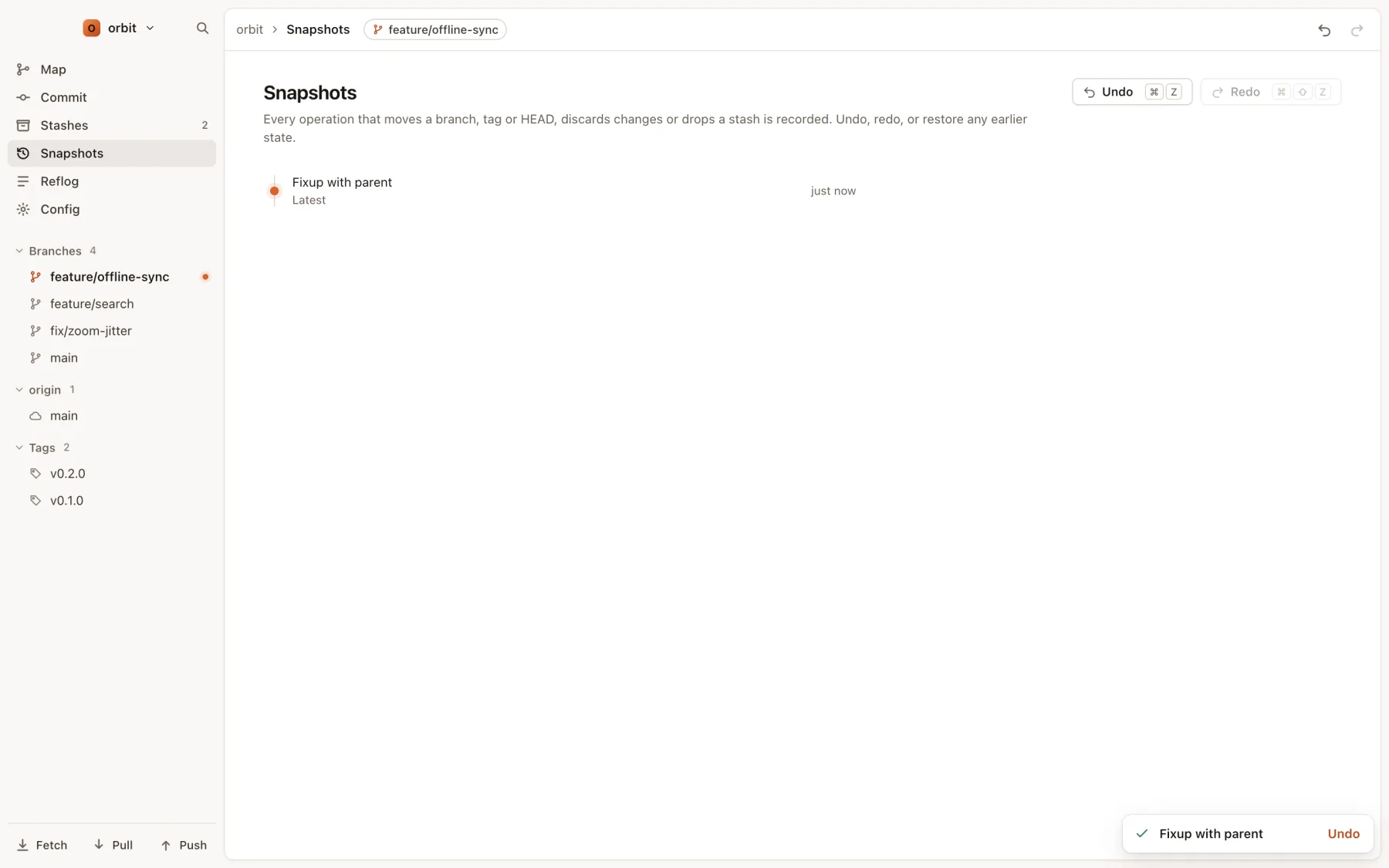
The Snapshots view (⌘4, or G then H) lists every recorded step, newest first. Move through it with ↑ and ↓. Restore before on a step (or ↵) first shows exactly which branches, tags and HEAD will move, then moves them back to how they were before that step, in one go. A restore is itself a step, so you can undo it.
Where the history lives
- In your repository, in
.git/since-history.json. It survives quitting Since and restarting your Mac. - The commits and file contents a step needs are kept under
refs/since/, sogit gcdoesn't delete them. - There is no step limit. Doing something new after an undo clears the redo steps, as in any editor.
What undo can't do
- Pushes (including force pushes, pushing tags and deleting a remote branch) change another machine. Undoing them would need another push, so they aren't recorded. Since asks before a force push or a remote delete.
- Fetch only updates your copy of the remote's branches; the next fetch brings back anything it removed.
- Aborting a merge, rebase or cherry-pick in progress drops any conflict resolutions made so far.
- Staging and unstaging aren't steps on the undo stack.
- If a file changed after the step you're undoing, undo stops and tells you, rather than overwrite your newer work.
Only changes made in Since are recorded. For something you did on the command line, the Reflog view (⌘5) shows where your branches have been.