Docs
The map
The map is the commit graph of your repository, and the place where you act on it. Select a commit, then press a key.
Reading the map
- Each line is a branch's history. Where two lines join is a merge; where one splits off is a branch point.
- Labels mark branches, tags and remote branches. The current branch is highlighted, and HEAD has a ring around its dot.
- The sidebar lists branches, remotes and tags. Click one to jump to it.
- Hide tags with ⌥⌘T or remote branches with ⌥⌘R to focus on your own work. Toggle the sidebar with ⌘\.
The map is live. When anything changes the repository, in Since or from your terminal or editor, it refreshes by itself.
Moving around
| Next or previous commit | ↓ ↑ |
| A page down or up | Page Down Page Up |
| First or last commit | Home End |
| Jump to HEAD | H |
| Copy the selected commit's SHA | ⌘C |
Search
Press / or ⌘F and type. The map narrows to commits whose subject, author, email or SHA matches, or that a matching branch or tag points at. Press ↵ to jump to the first result, or Esc to clear the search.
Inspecting a commit
The detail panel on the right shows the selected commit's message, author, date, parents and files. Space shows or hides it.
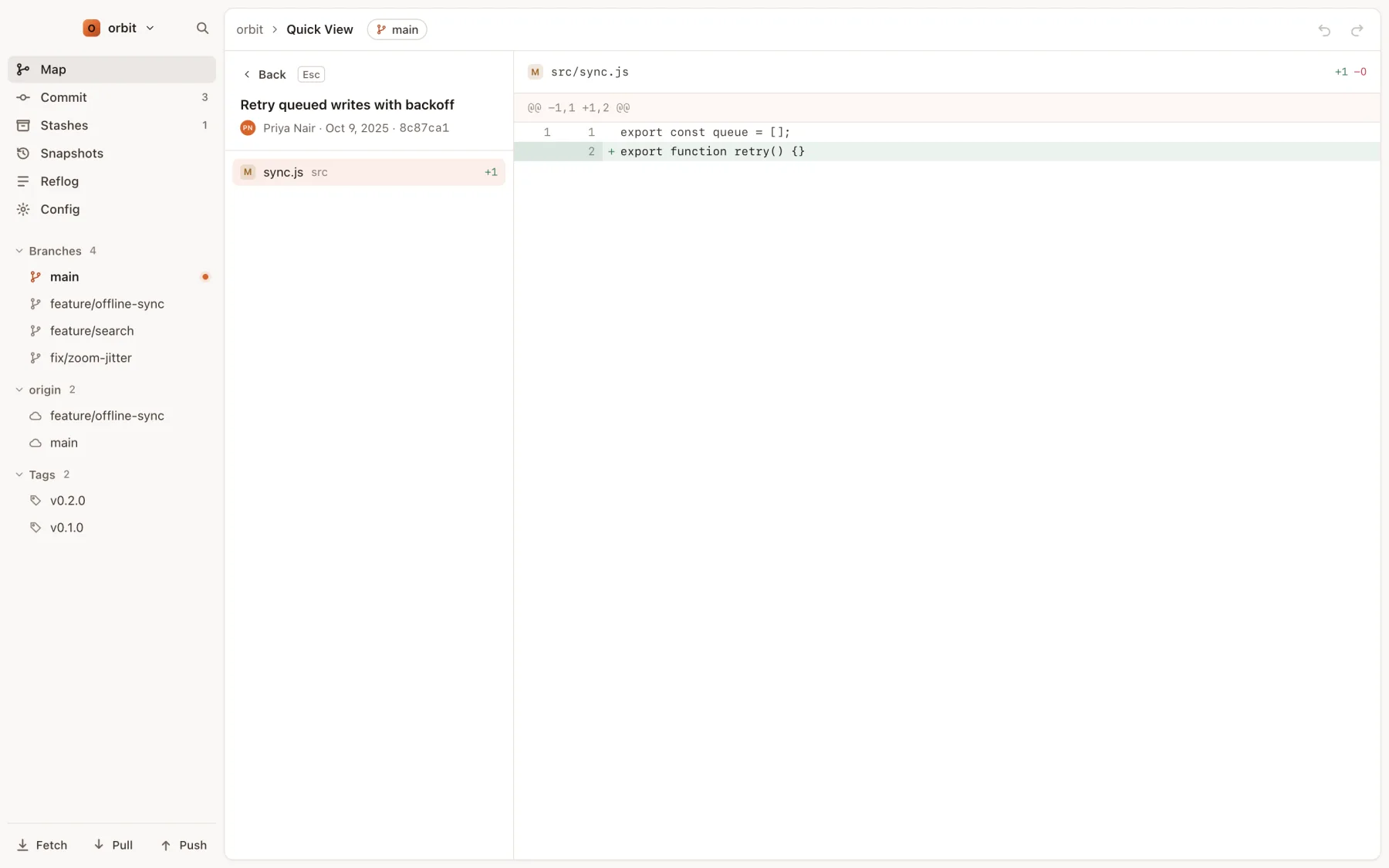
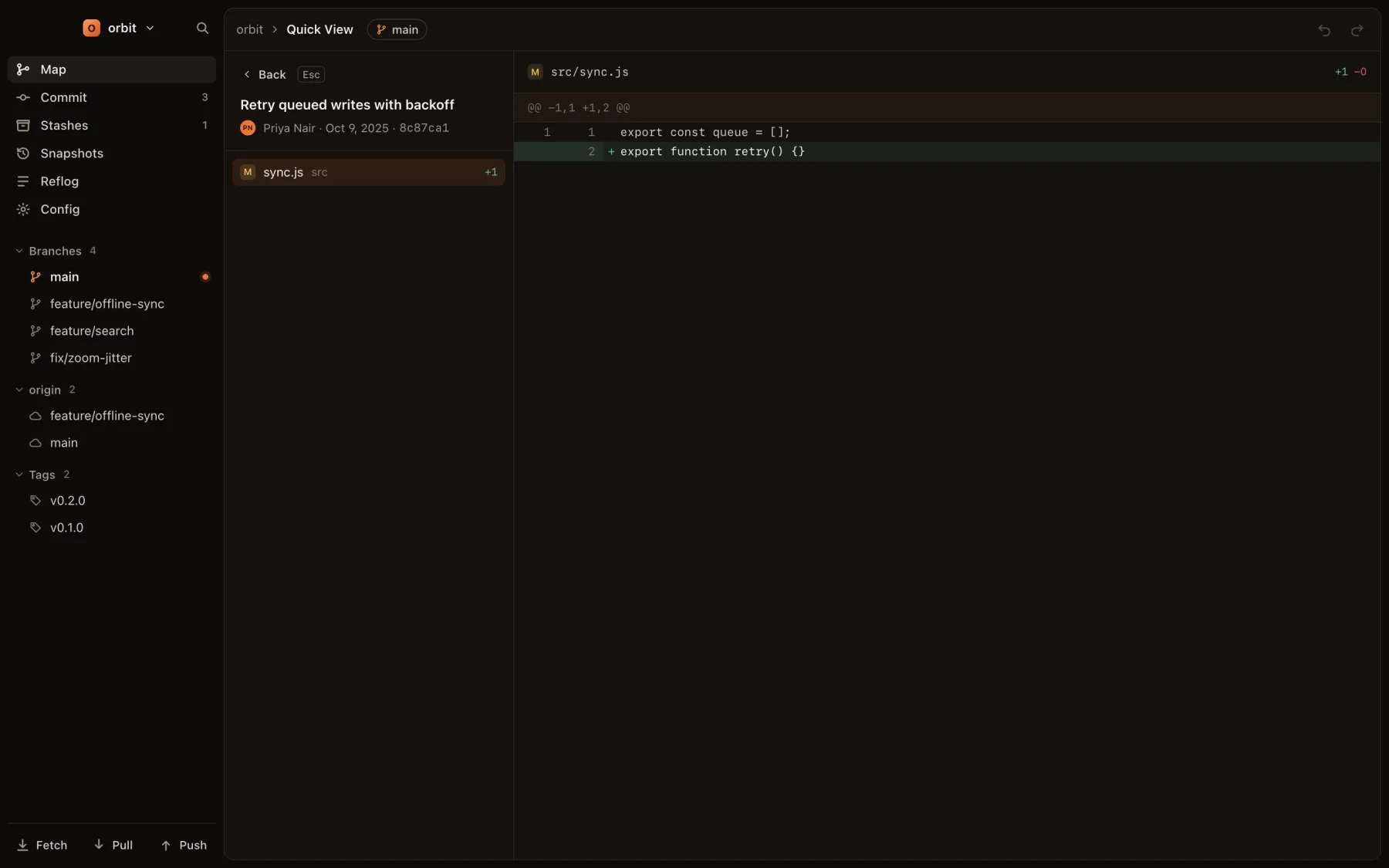
Quick View opens a commit full height, with its diff. Press ↵ on a commit, step through its files with ↓ ↑, and press Esc to go back. To compare a commit with where you are now, press D for a diff with HEAD.
Acting on a commit
With a commit selected, single keys check it out (O), branch (B) or tag (T) from it, merge it (M), rebase onto it (R), cherry-pick it (P) or revert it (V). The ••• button in the detail panel lists every action with its key. To change the commits themselves, see Rewriting history.