Docs
Staging lines
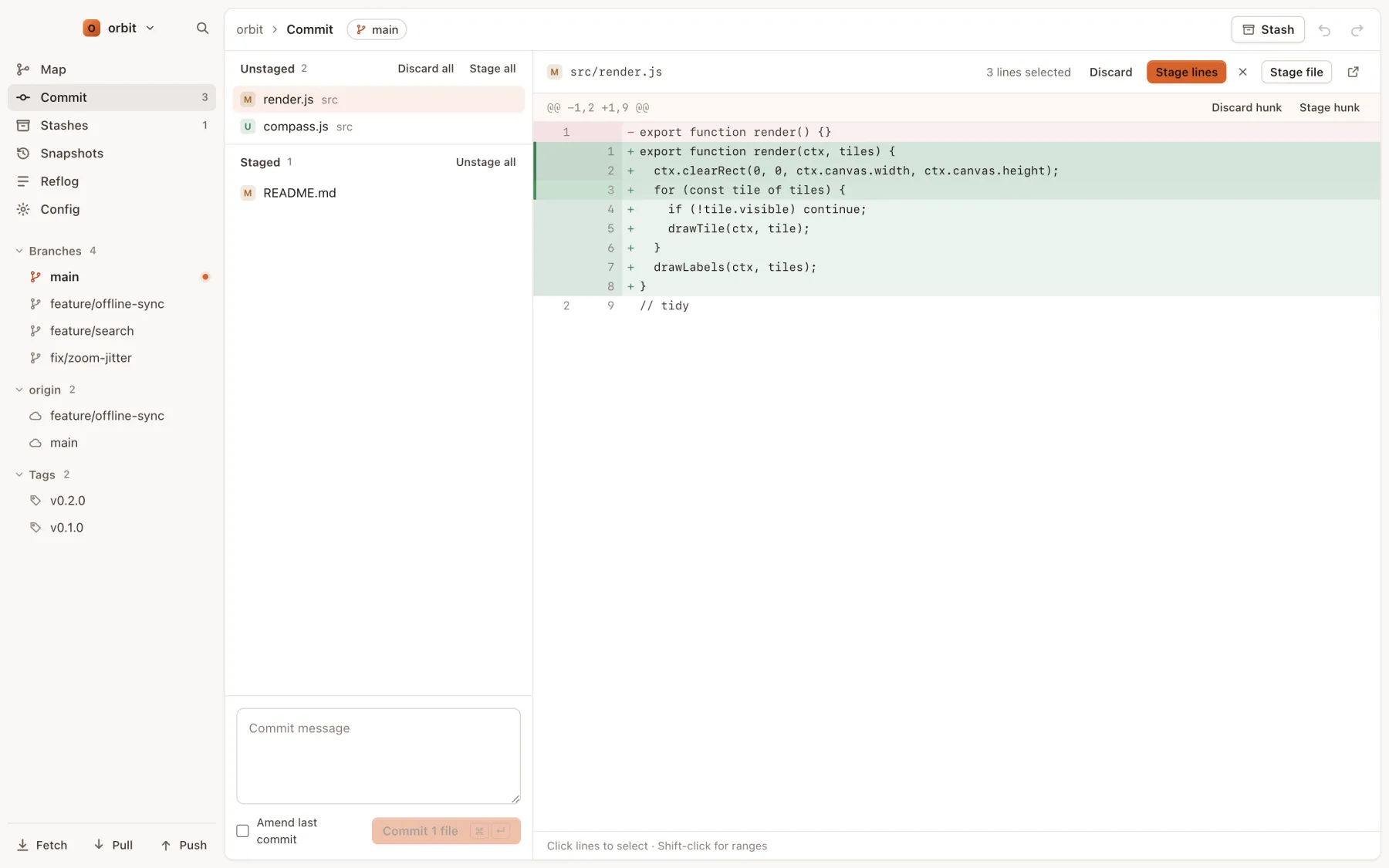
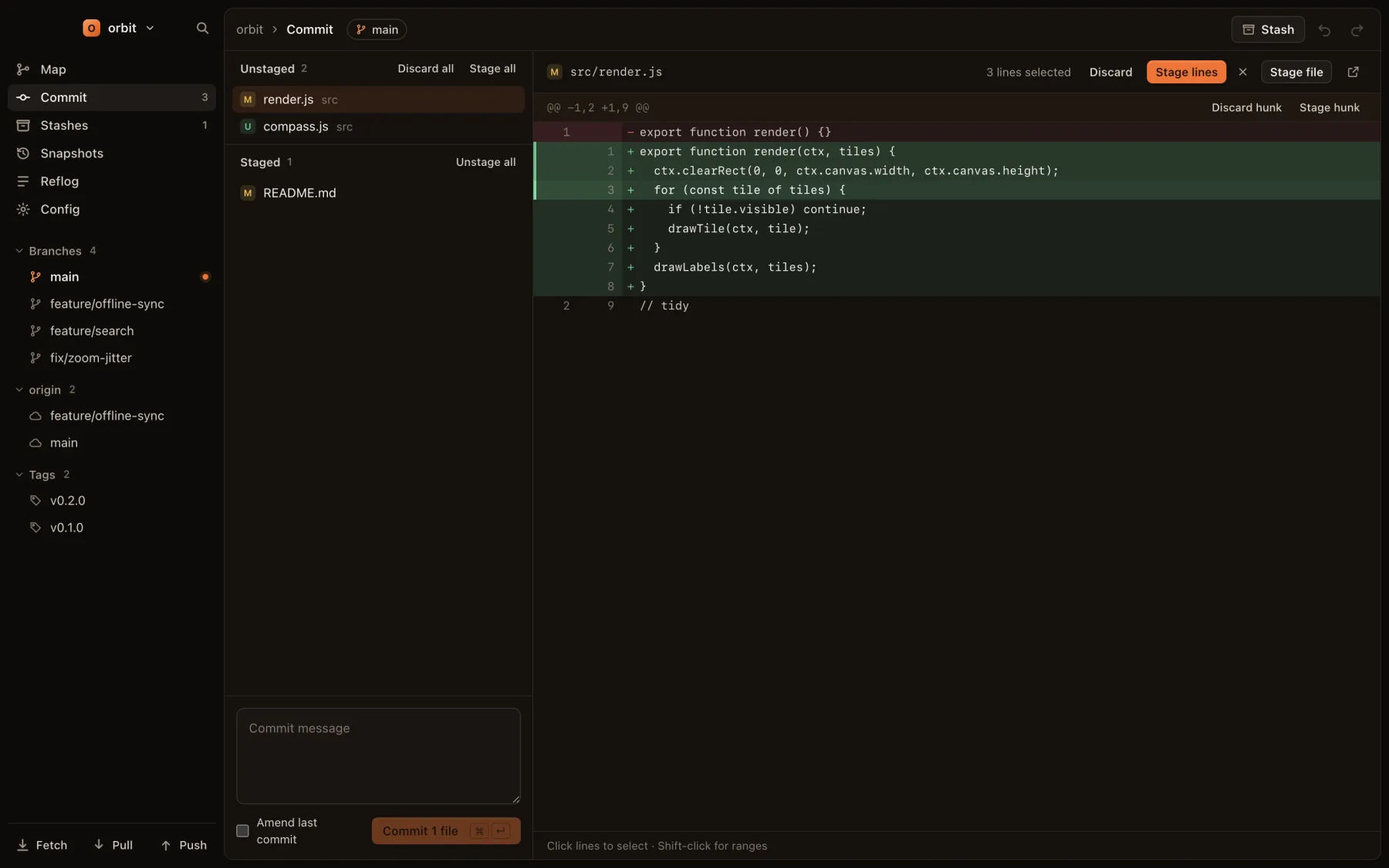
The Commit view (⌘2, or G then C) shows unstaged and staged files on the left and the selected file's diff on the right.
Files
| Next or previous file | ↓ ↑ |
| Stage the selected file, or unstage it | ↵ |
| Discard the selected unstaged file | ⌫ |
Stage all, Unstage all and Discard all sit above each list.
Hunks and lines
- Each hunk has Stage hunk and Discard hunk buttons (or Unstage hunk in a staged file).
- Click an added or removed line to select it. Shift-click another to select the range between them.
- With lines selected, use Stage lines or Discard in the bar above the diff.
Discarding a file, hunk or line can be undone with ⌘Z. See Undo and redo.
Commit
Press C to jump to the message box, write your message, and press ⌘↵ to commit. Tick Amend last commit to fold the staged changes and the new message into the previous commit instead. Both are undoable.
Conflicts
During a merge, rebase or cherry-pick that stops on a conflict, a banner names the operation, with Continue and Abort. Conflicted files are listed first. For each one, take Ours or Theirs, or edit it in your editor and mark it resolved. Continue is enabled once nothing is left unresolved.