Docs
Getting started
Since works on the git repositories you already have. There is no account to create and nothing to import.
Install
- Download Since. There are separate disk images for Apple silicon and Intel Macs.
- Open the disk image and drag Since into Applications.
- Open Since from Applications.
Requirements: macOS 12 or later, and git. Since uses the git already on your Mac, with your config, hooks and credentials. If git isn't installed, run xcode-select --install in Terminal to get Apple's Command Line Tools, or install git with Homebrew.
Open a repository
The welcome window lists recent repositories. Pick one with ↑ ↓ and press ↵, or:
| Open a folder that is a git repository | ⌘O |
| Clone a repository from a URL | ⇧⌘O |
| Create a new repository | ⌘N |
| Open another window | ⇧⌘N |
The File → Open Recent menu also lists your last ten repositories.
The first five keys
A repository opens on the map, with the commit list focused. These five keys cover most of a day:
| Move up and down the history | ↓ ↑ |
| Look inside a commit | ↵ |
| Find a commit, branch or author | / |
| Run any command by name | ⌘K |
| Take back the last change | ⌘Z |
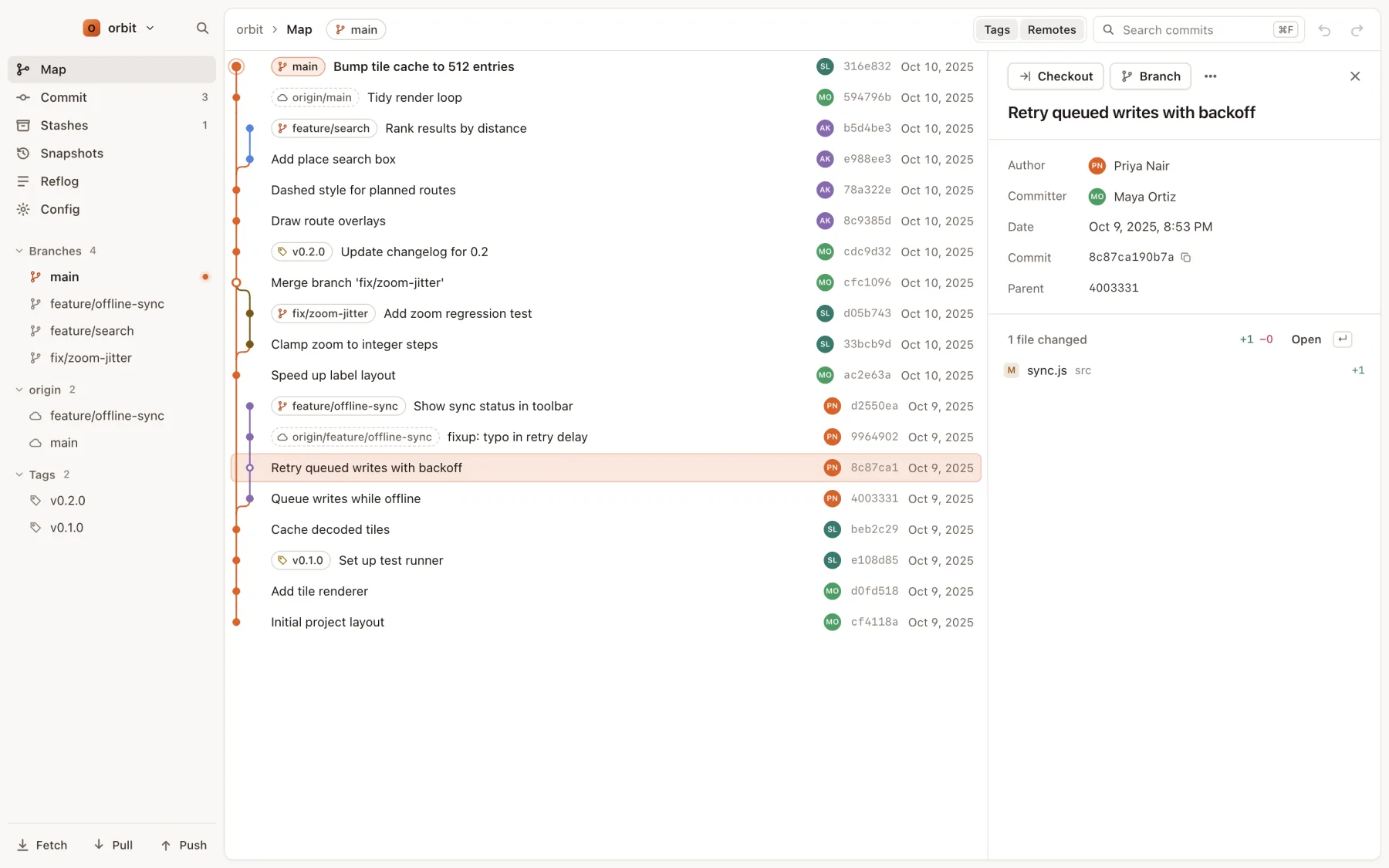
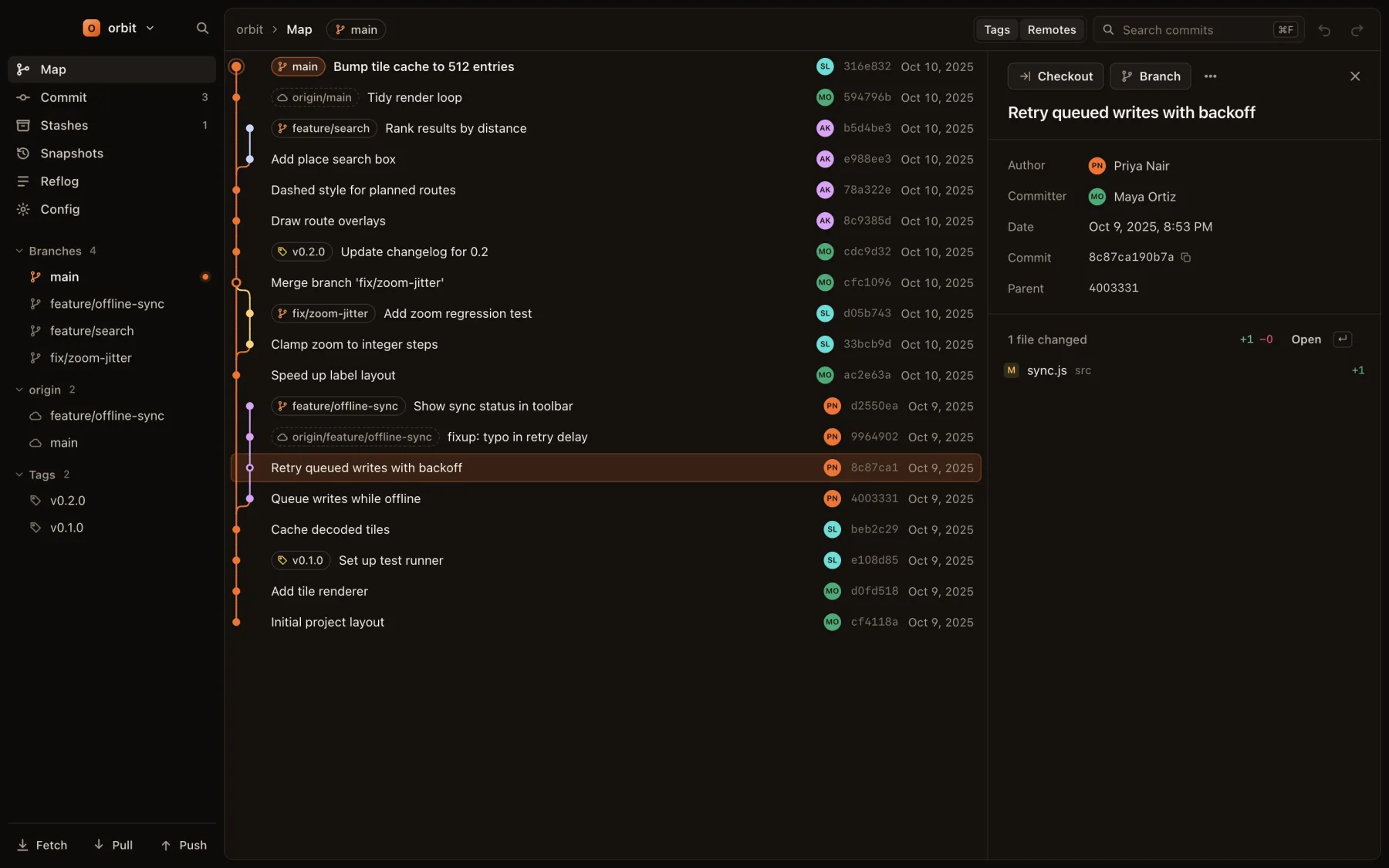
Every other key is on the shortcuts page.
Light or dark
Since follows your system appearance. To pick a theme, use View → Theme, type “theme” in ⌘K, or press ⌃⌘T to cycle between System, Light and Dark.