Docs
Rewriting history
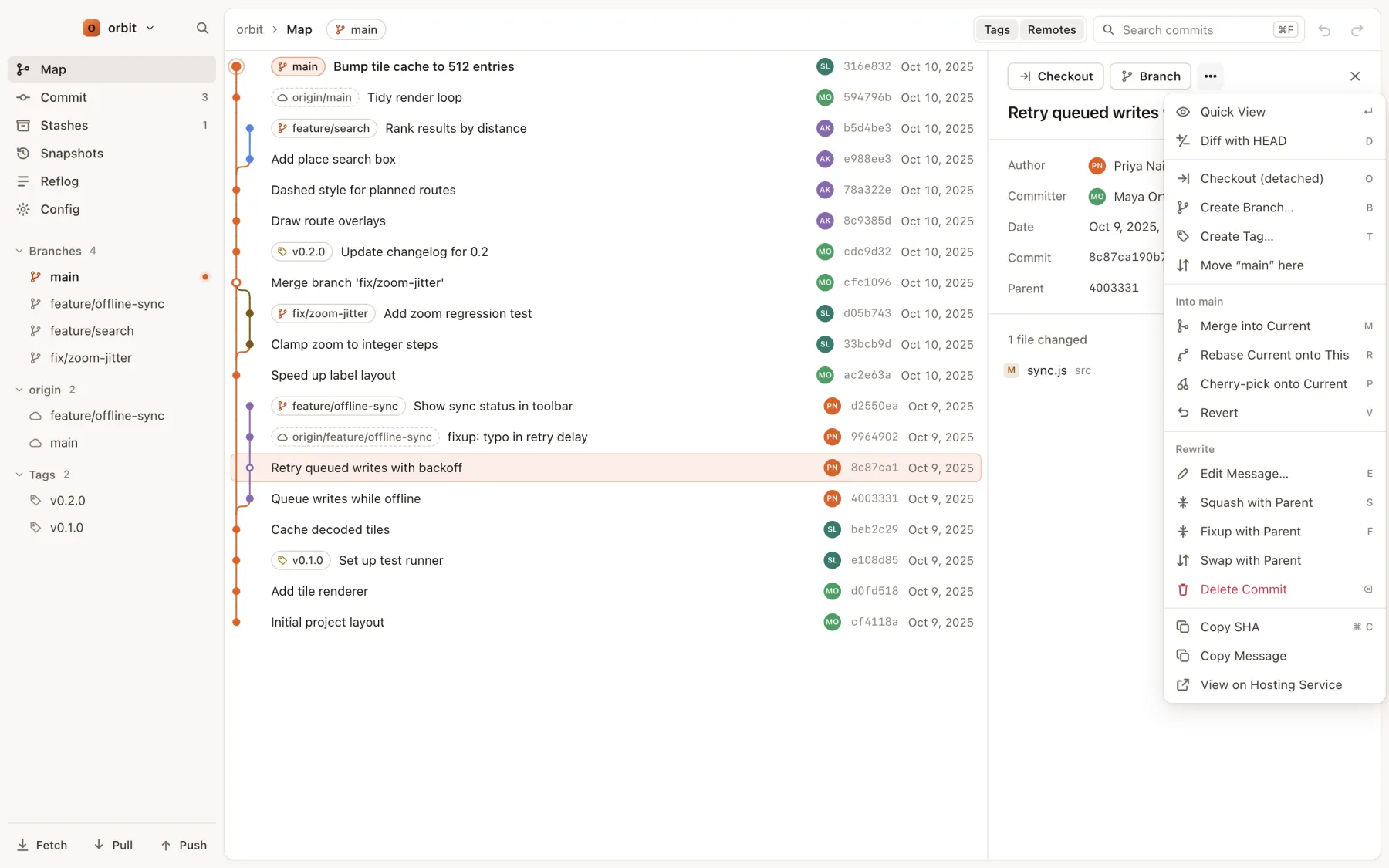
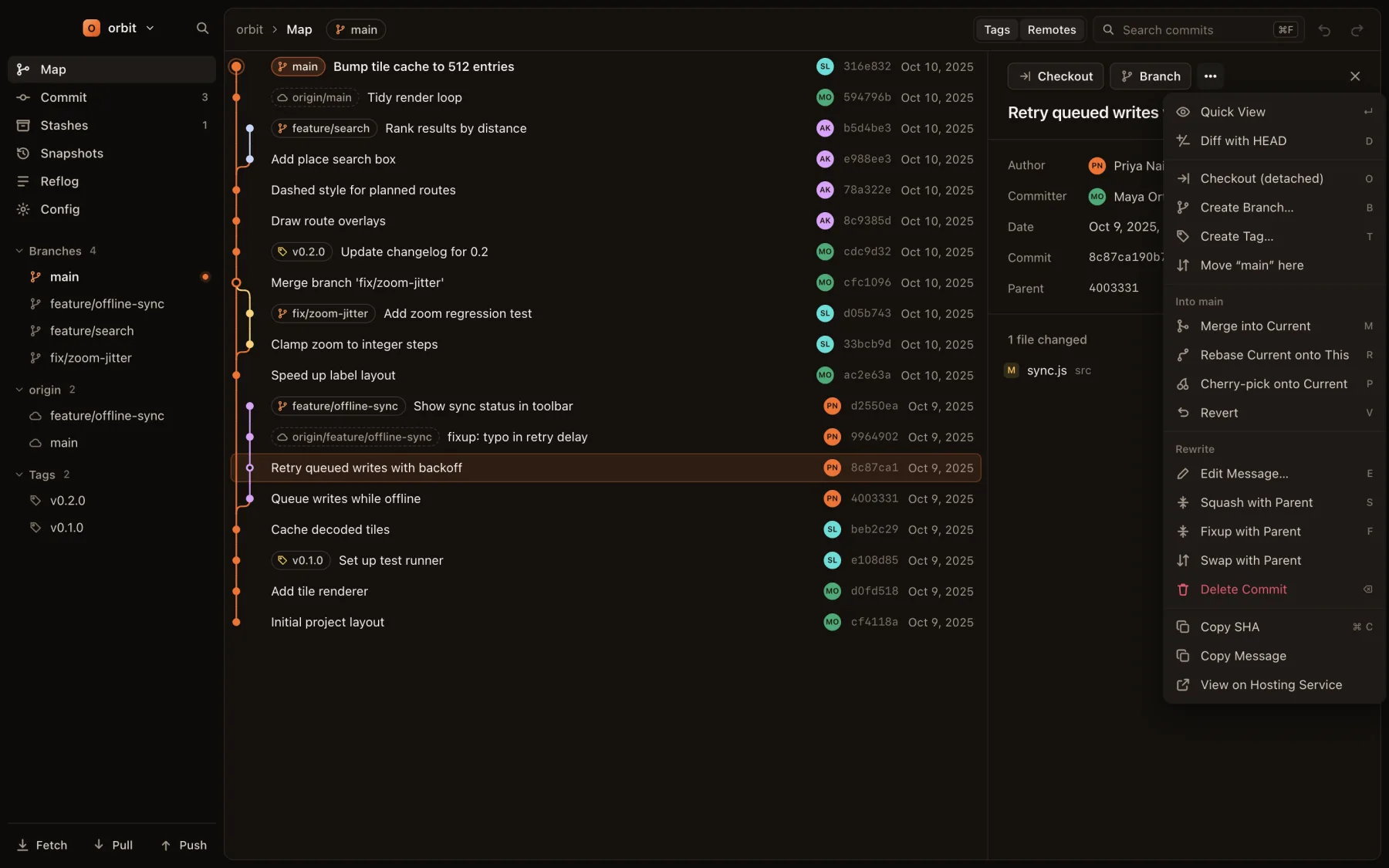
Select a commit on the map and press one key. Since rewrites the commit and replays every commit after it on the current branch for you. No editor and no todo list.
The actions
| Action | Key | What happens |
|---|---|---|
| Edit message | E | Opens the full message for editing. Save to reword the commit. |
| Squash with parent | S | Combines the commit with its parent and keeps both messages. |
| Fixup with parent | F | Combines the commit with its parent and keeps only the parent's message. |
| Split commit | ⇧S | Pick the lines that go into each new commit and give each one a message. Merge commits can't be split. |
| Swap with parent | ••• menu | Swaps the order of the commit and its parent. |
| Delete commit | ⌫ | Removes the commit's changes from the branch. |
Moving commits between branches
| Rebase the current branch onto the selected commit | R |
| Merge the selected commit into the current branch | M |
| Cherry-pick the selected commit onto the current branch | P |
| Revert the selected commit | V |
To point the current branch at another commit, choose Move “branch” here in the commit's ••• menu.
If you change your mind
Every rewrite is one step on the undo stack. ⌘Z puts the branch back exactly as it was, and ⇧⌘Z does it again. See Undo and redo.
Limits
- The commit has to be on the current branch. To rewrite a commit on another branch, check that branch out first.
- Merge commits can't be rewritten, and neither can history that has a merge between the commit and HEAD, because replaying it would flatten the merge.
- Squash, fixup and swap need a parent, so they don't apply to the first commit in the repository.
- Uncommitted changes are set aside during the rewrite and put back afterwards.
- Rewriting commits you have already pushed means the next push has to be a force push. Since asks before force pushing, and uses
--force-with-leaseso it won't overwrite someone else's new work.